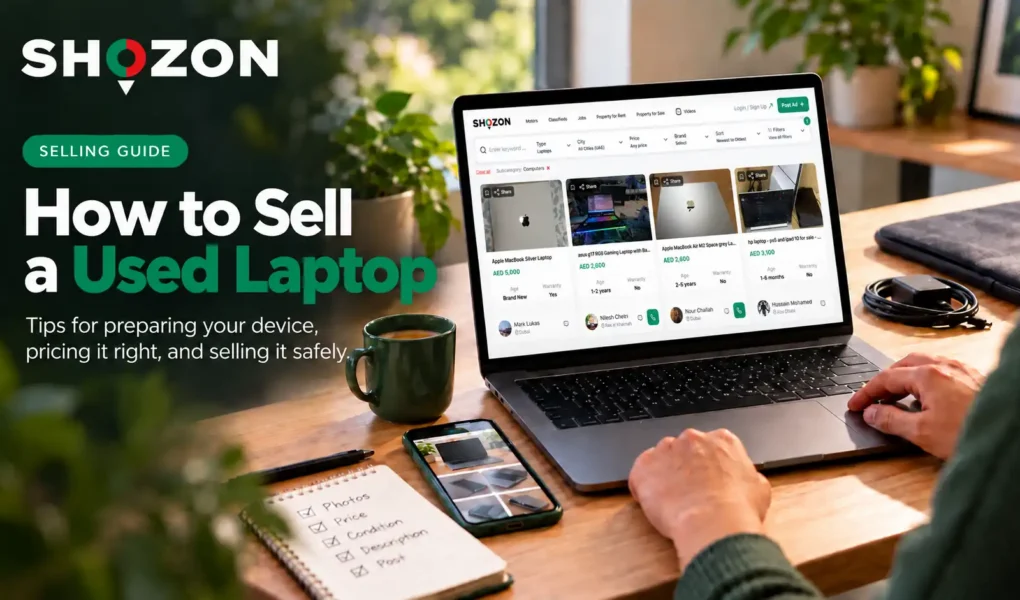
To sell a used laptop in Dubai, start by identifying its exact model, specifications, battery condition, and faults. Compare similar listings to set a realistic asking price, then back up and erase your data before publishing an accurate ad.
Give buyers enough detail to assess the laptop before contacting you. State what you have tested, show any visible damage, and list the charger or accessories included. Arrange an inspection, confirm payment, and then hand over the device.
How to Sell a Used Laptop in Dubai: The Short Answer
Follow these six steps:
- Identify the laptop. Record its exact model, processor, RAM, storage, screen size, and graphics hardware.
- Test its condition. Check the battery, display, keyboard, trackpad, ports, speakers, camera, Wi-Fi, and charger.
- Set an asking price. Compare similar laptops and leave reasonable room for negotiation.
- Prepare the device. After recording its specifications and condition, back up your files, remove your accounts, and reset it.
- Create an accurate listing. Use photos of the actual laptop, disclose faults, and list everything included.
- Complete the sale. Let the buyer inspect the laptop and confirm payment before handing it over.
Identify the Exact Laptop You Own
A brand or product range is not enough to price a laptop. Record the exact configuration so buyers can identify it, and you can compare it with similar listings.

Record the Specifications Buyers Will Ask About
Check these details before resetting the laptop:
| Detail | What to record |
| Model | Full name and model number |
| Processor | Chip or processor model and generation |
| Memory and storage | Installed RAM, drive type and capacity |
| Screen and graphics | Size, resolution, touchscreen and graphics model, if applicable |
| Battery | Available health information and observed performance |
| Accessories | Charger, box, case and other included items |
On Windows, start with Settings > System > About; on a Mac, use About This Mac. Check the manufacturer’s label or support page if you need to confirm the model. Keep the full serial number out of public photos and descriptions.
Check Whether You Can Sell the Laptop
Confirm that the laptop is yours to sell. If it came from an employer or school, have the organisation remove its Windows Autopilot device association before listing it. A reset alone may leave the laptop linked to its former organisation.
Keep proof of purchase if available, but cover personal details when showing it. Mention remaining warranty only if you have checked whether it applies to the buyer.
Test the Laptop Before You Price It
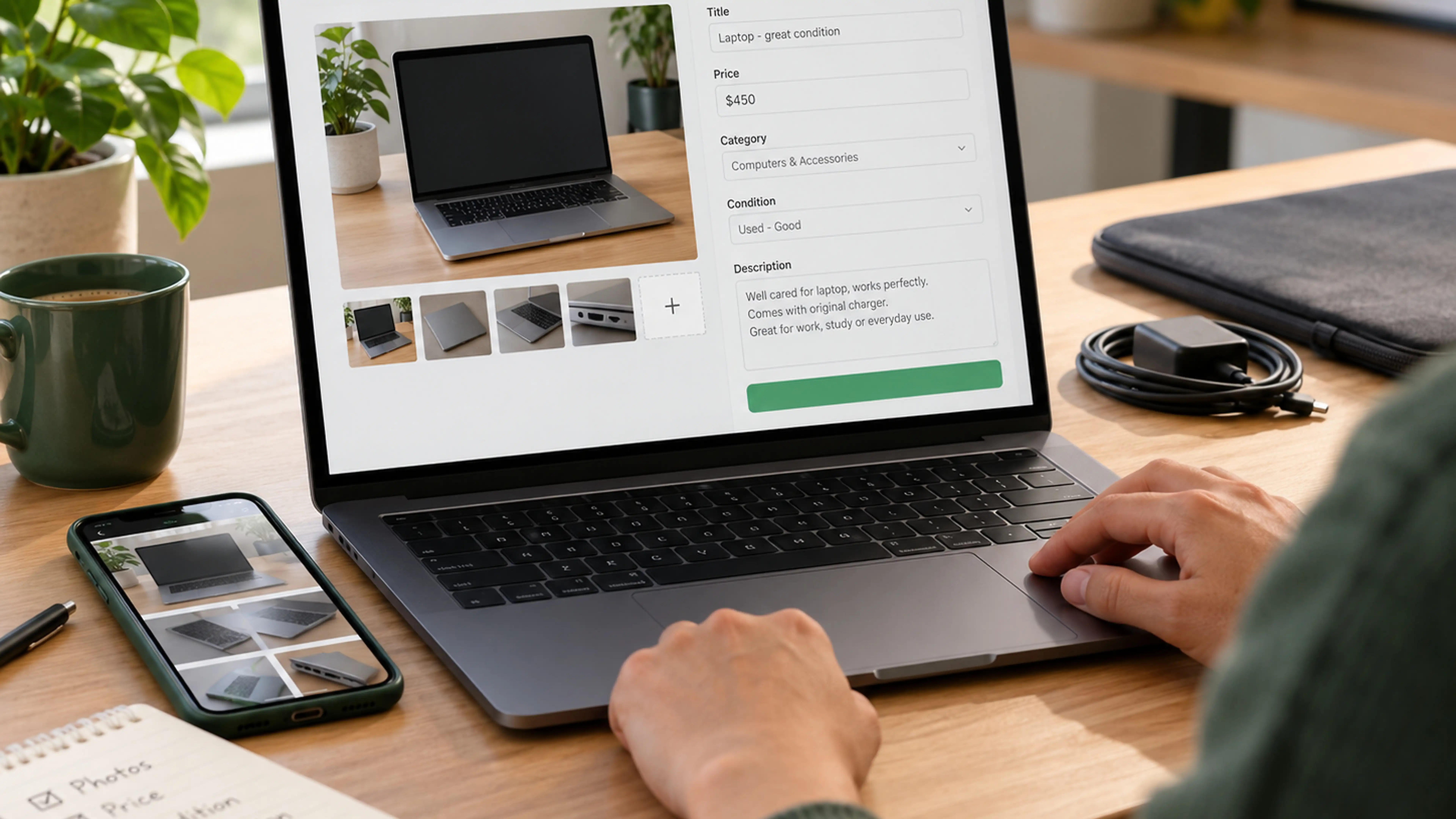
Test the laptop during normal use, on battery and while charging where possible. A device that powers on may still have faults.
| Component | Check | Disclose |
| Display and hinges | Brightness, marks, flickering and movement | Cracks, faulty pixels or loose hinges |
| Keyboard and trackpad | Every key, clicking and scrolling | Unresponsive input |
| Ports and connections | Available ports, Wi-Fi and Bluetooth | Anything that does not connect reliably |
| Camera and sound | A short recording or call | Faulty camera, microphone or speakers |
| Cooling | Fan noise and performance during normal use | Overheating or unexpected shutdowns |
| Charger | Power and charging | Damage, absence, or a replacement charger |
Describe what you observed rather than guessing at the cause. For battery life, state what you did during the test and how long it lasted.
Check Battery Condition Without Promising a Fixed Runtime
Battery life varies with use and settings. Before resetting a Windows 11 laptop, run powercfg /batteryreport to check its capacity and usage information; Microsoft explains the report.
On a MacBook, check the cycle count under System Information > Power and compare it with Apple’s guidance for the model. Neither figure guarantees a specific runtime.
If the battery is visibly swollen, stop using the laptop and seek technical advice. Do not press on the casing or demonstrate the device to a buyer; see Microsoft’s Windows battery safety guidance.
How to Price Used Laptop Models Fairly in Dubai
Start with the laptop’s exact model and specifications, then account for its condition and included accessories. Its original purchase price is a poor guide to what a buyer may pay now.
Build a Comparison Set
Look for several recent listings with:
- The same model, or a closely comparable one
- The same processor generation or chip
- Similar RAM, storage, screen, and graphics
- Similar battery and cosmetic condition
- Comparable chargers, accessories and remaining warranty
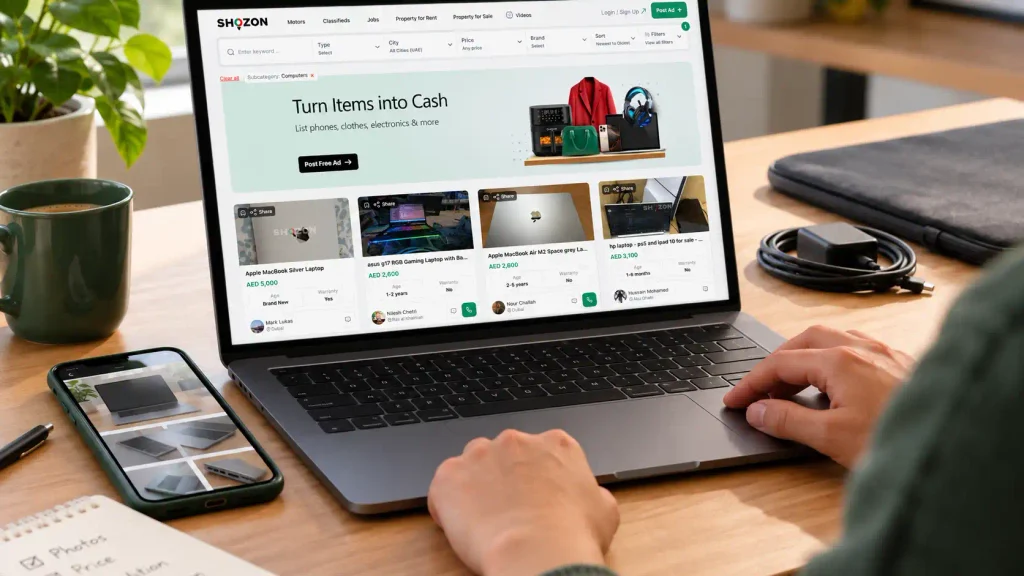
You can use Shozon’s computers and networking listings to compare advertised devices by location, price, brand, and age. Treat each figure as an asking price, not a confirmed sale price.
Leave out poor matches. A newer processor or healthier battery may justify a higher asking price, while a damaged laptop should not set the benchmark for a fully working one.
Use a Price Range Instead of One “Market Value”
Suppose similar laptops are advertised for AED 950, AED 1,100, and AED 1,400. The cheapest has a weak battery, and the most expensive has a newer processor, so neither directly matches your working laptop with visible wear. These figures are illustrative, not current Dubai prices.
Use close matches to set an asking price with modest room for negotiation and a private minimum you would accept. If an inspection reveals a fault you missed, reconsider its effect on the price.
Decide Whether a Repair Is Worthwhile
Get a repair quote before spending money. A replacement charger may help you demonstrate the laptop, while an expensive screen repair on an older model may cost more than you recover from the sale.
If you leave a fault unrepaired, disclose it and price the laptop accordingly. Do not describe it as fixed until the repair has been completed and tested. Age alone does not make a laptop worthless; assess its condition and capabilities.
Prepare the Laptop Without Leaving Your Data Behind
Record the specifications and finish testing before removing your accounts. Deleting individual files is insufficient preparation for resale.
Back Up and Check What You Need to Keep
Copy your files to storage you control, then open a few to confirm the backup worked. Check the Desktop, Downloads, browser profiles, email archives, and files belonging to other users. Keep any software licence or password recovery information you need.
Remove USB drives and memory cards you intend to keep. Check for additional internal drives and user accounts before resetting the laptop.
Reset a Windows Laptop
Back up first. On Windows 11, go to Settings > System > Recovery > Reset PC and choose Remove everything. Microsoft’s resale instructions also explain how to remove the device from your Microsoft account after resetting it.
Microsoft’s reset guidance describes the Clean data option, which makes deleted files harder to recover. Keep your BitLocker recovery key available if the device is encrypted. For sensitive business data, follow the organisation’s approved erasure policy rather than relying on a consumer reset.
Prepare a MacBook for a New Owner
Back up the MacBook, then follow Apple’s instructions for selling a Mac. Eligible models can use Erase All Content and Settings, which signs out of Apple services and removes Find My and Activation Lock. Other models need Apple’s alternative erase and reinstall steps. Leave the Mac at its initial setup screen when finished.
Clean and Assemble What You Are Selling
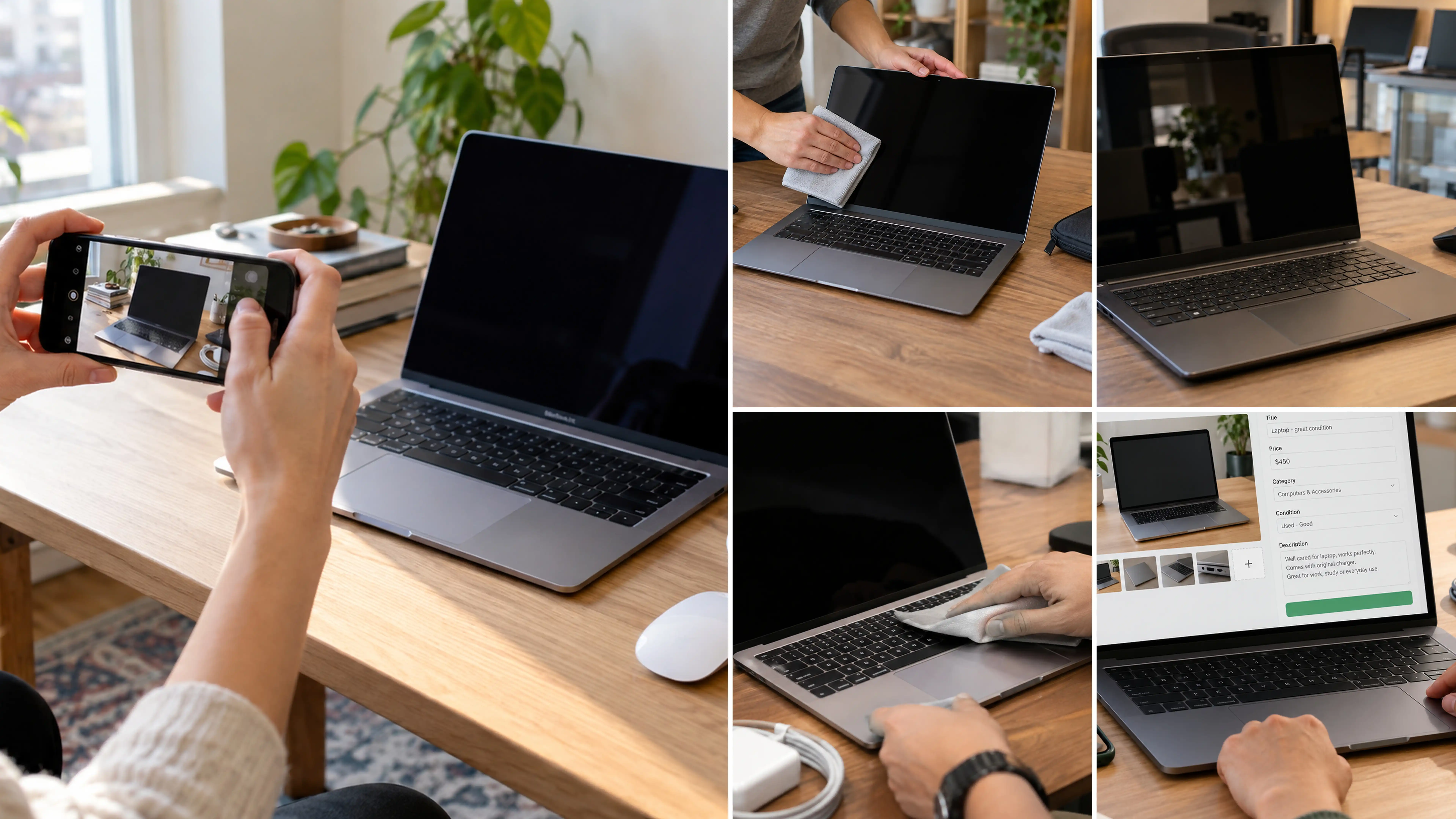
Switch off and unplug the laptop before cleaning it. Follow the manufacturer’s care instructions and avoid spraying liquid directly onto the device.
Gather the charger and accessories named in the listing. State if a charger is a replacement, and do not describe a box or case as original unless it is. Cleaning and resetting a device do not, by themselves, make it refurbished; describe it accurately when buyers compare used and refurbished electronics.
Where to Sell a Laptop in Dubai
Choose a route based on the time you can spend managing the sale and how much control you want over the asking price.
| Route | What you handle | Main trade-off |
| Classified listing | Price, photos, enquiries, inspection and handover | More control, but more work and uncertain timing |
| Direct purchase offer | Device details and an inspection before accepting the offer | Less listing work, but the final offer needs careful comparison |
| Trade-in | Eligibility and the value offered towards another purchase | Convenient when upgrading, but credit may differ from cash |
If speed matters, obtain more than one relevant offer and compare what you would actually receive after inspection. If you prefer to set your own price, a detailed classified listing lets buyers assess your terms before contacting you. No route guarantees the highest return for every laptop.
You can reach buyers outside Dubai if you are willing to arrange the exchange. State the laptop’s location and agree on inspection and handover arrangements before accepting an offer.
Create a Listing That Answers the Buyer’s First Questions
A buyer should be able to identify the laptop, understand its condition, and see what the asking price includes without sending several preliminary messages.
Write a Searchable, Accurate Title
Where the information is available, use this order:
Brand + model + processor or chip + RAM + storage + condition
For example:
Lenovo ThinkPad T14, Intel Core i5, 16GB RAM, 512GB SSD, Used
Add the exact processor generation in the description. Include “with charger” in the title if it is useful and accurate. Avoid “like new” when the casing, screen, or battery shows meaningful wear.
Generic titles such as “sell laptop Dubai” or “sell used laptop uae” describe the seller’s intention rather than the device. A model and specifications give buyers a reason to open the listing.
Give Buyers Enough Detail to Assess the Price
Put the facts in a consistent order:
- Full model and specifications
- Working condition and functions tested
- Battery information you can support
- Visible wear, faults, or repairs
- Charger and other included items
- Asking price in AED
- Dubai area and inspection arrangements
For example, this illustrative ad and price are not a valuation:
Lenovo ThinkPad T14, Intel Core i5, 16GB RAM, 512GB SSD. Starts and runs normally. I tested the keyboard, trackpad, screen, Wi-Fi, webcam, and USB ports. There are small marks on the lid, shown in the photos. Battery report available on request. Includes the charger shown. Asking AED 1,150. Inspection can be arranged in Dubai.
State a known battery fault directly. “Works when plugged in” does not tell a buyer whether the battery holds a charge. Likewise, do not describe an untested port as working; test it or say that you have not checked it.
Photograph the Actual Device
Use good light and a plain background. Show the laptop open and powered on, the closed lid, keyboard, sides, ports, charger, and any visible damage. A clear photo of a scratch gives a buyer more confidence than an image that conceals it.
Review each image before posting. The screen could show a name, email address, notification, or private file. An underside photo could reveal a serial number or asset label. Keep personal and identifying details out of public view while showing the laptop’s condition honestly.
If you can add a short video, use it to show a function such as startup, the display, or keyboard input. A steady, clear demonstration is more useful than effects that obscure the device.
Match the Listing to the Right Category
In Shozon’s computers and networking category, choose the closest available device type and enter its brand, condition, and Dubai location accurately. The category covers more than laptops, so put the exact model in the title.
People browsing laptop classifieds in Dubai may narrow results by price or brand before reading descriptions. Correct listing details help a suitable buyer recognise the device.
Manage Enquiries Without Losing Time or Control
Decide when the laptop is available for inspection and which details you can verify. A direct response is usually enough:
“Yes, it is available. The specifications and marks are shown in the listing. You can inspect the laptop and charger at the agreed meeting point. The asking price is AED 1,150.”
If someone asks for a battery report or a closer photo of a fault, check that the image contains no personal information before sharing it. Keep your answers consistent with the listing. If several people ask the same question, add the answer to the description.
Consider offers against the laptop’s condition and comparable listings. A buyer may reasonably reconsider a price after finding a fault, but you do not need to accept an offer that has no basis in the device’s condition.
Shozon’s buying and selling guide covers general communication and listing practices. Keep this listing focused on details specific to the laptop.
Inspect, Confirm Payment and Hand Over the Laptop
Meet in a public place with the charged laptop, charger, and listed accessories. Let the buyer check the model and condition against the ad.
A setup screen does not allow a full test of the camera, ports, and other functions. Arrange that inspection before the final reset, or use a temporary account and reset the laptop again after testing. Do not restore your personal files.
Before handing it over, confirm:
- The agreed model and accessories are present.
- Known faults and repairs have been disclosed.
- The final price is agreed in AED.
- The laptop has been prepared for the new owner.
- Payment has been received, not merely promised.
Shozon’s fraud guidance advises in-person exchanges and warns users not to share financial information. Do not hand over the laptop based only on a payment screenshot or a claim that a transfer is pending. Never give a buyer your passwords, verification codes, or banking credentials.
A simple dated receipt can record the model, agreed price, included accessories, and disclosed faults. Both parties can keep a copy. Record only the personal details needed for that purpose, and do not imply that you offer a warranty unless you have agreed to one.
If the buyer declines, leave the laptop prepared for the next inspection. Your photos, specification notes, and test results should answer most questions without putting your files back on it.
Used Laptop Selling Tips That Prevent Common Mistakes
Check these points before publishing the ad or accepting an offer:
- Compare the correct configuration. The same model name can cover different processors, memory, and storage.
- Use several prices. One expensive, unsold ad does not establish what your laptop is worth.
- Test before resetting. Record specifications and faults while you still have access.
- Show the real device. Use your own photos and disclose visible damage.
- Protect private details. Review photos and screenshots before sharing them.
- Check account removal. Confirm that the next owner will not face your sign-in or an account lock.
- Verify payment. Do not treat a screenshot or promised transfer as received money.
If the laptop cannot be sold, remove its data and check an appropriate disposal route. Shozon’s electronic waste guide covers that decision in more detail.
Finish the Sale on Clear Terms
A fair price and an honest listing help the buyer assess the laptop before meeting you. Back up and erase your data, allow the buyer to check the agreed condition and accessories, and confirm payment before handing over the device.
Ready to sell your laptop? Create a listing on Shozon
FAQs About How to Sell a Used Laptop in Dubai
Where is the best place to sell my used laptop?
The best route depends on whether you value control over the asking price, a quick inspected offer, or credit towards another device.
Where can I sell my laptop fast for cash?
Seek direct purchase offers if speed is essential, but confirm the final amount, inspection terms, and payment method before agreeing.
How can I check the resale value of my laptop?
Record its exact specifications and condition, then compare several similar local listings while remembering that advertised prices are not confirmed sale prices.
Is a 7-year-old laptop too old?
Its age alone does not decide; working condition, specifications, battery, software support, and buyer demand determine whether resale is practical.
What is a fair price for a used laptop?
A fair price reflects comparable devices with similar specifications, battery condition, faults, and included accessories, with room for reasonable negotiation.
How can I sell my old laptop fast?
Price it against close matches, disclose its condition, post clear original photos, and be available for a prompt in-person inspection.
Are old laptops worth selling?
Some are, including devices with modest specifications or repairable faults, but compare likely proceeds with the time and cost of preparing them.
What to do when selling an old laptop?
Test and document it, back up your files, reset it properly, remove linked accounts, disclose faults, and confirm payment before handover.
Sources
- Microsoft explains how organisations can remove a Windows Autopilot device association before a laptop changes owners.
- Microsoft shows how to generate a Windows battery report and explains when an expanding battery needs attention.
- Apple explains how to check a MacBook’s battery cycle count and find the limit for a specific model.
- Microsoft outlines what to do before selling a Windows PC, including backup, reset and account removal.
- Microsoft describes the Windows Reset this PC options, including Remove everything and Clean data.
- Apple provides instructions for preparing a Mac for sale, including the appropriate erase method for each model.